
How to Pick a Note Taking App That Fits You
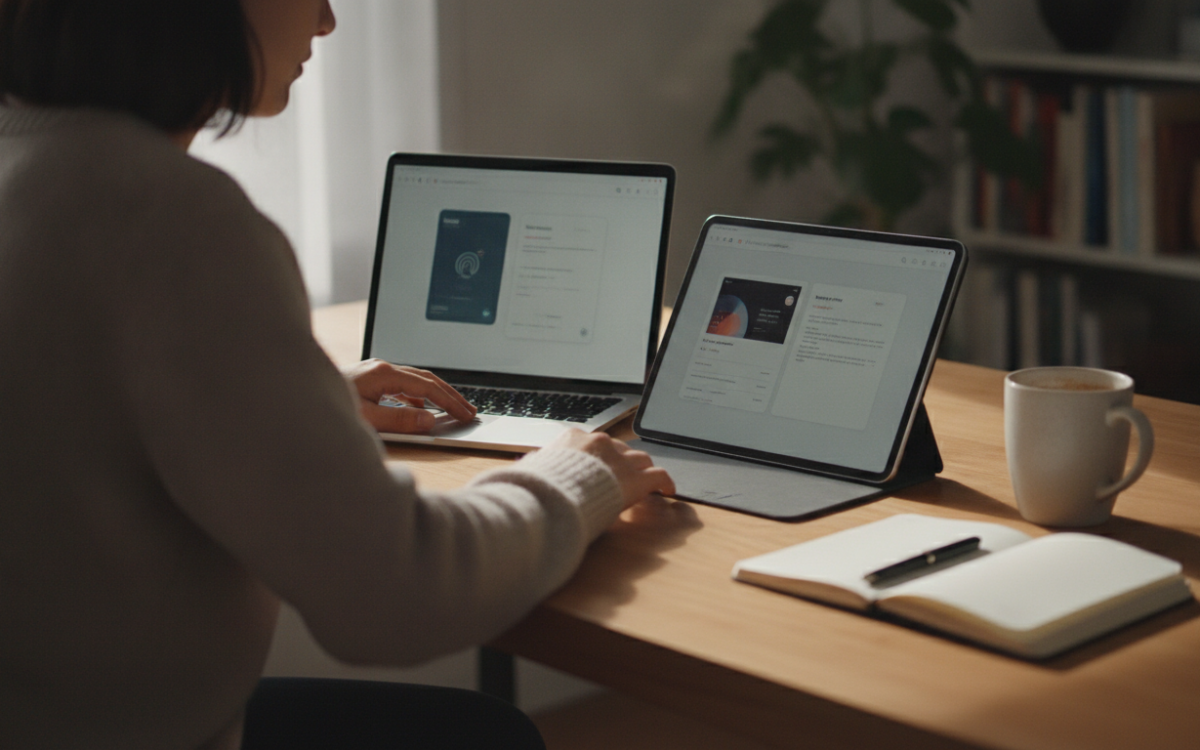
Quick answer: To pick a note taking app, list how you take notes first. Then test two or three options for a week. A good note taking app is easy to search, syncs fast, exports your data, and fits your budget without extra features you never use.
Key Takeaways
- Start by listing how you actually take notes before you compare apps.
- A good note taking app syncs fast, searches well, and lets you export your data.
- Test two or three options for a week before you commit.
- Avoid paying for features you will never use.
What is a note taking app and why does it matter?
A note taking app is a tool that stores your ideas, lists, and notes in one place. It matters because scattered notes waste time. When everything lives in one spot, you find things faster. You also stop losing good ideas.
There are many options out there. Some are simple. Some are packed with tools. The trick is matching the app to how you work. The best app for your friend may be wrong for you.
How do you pick a note taking app?
Start by writing down how you take notes today. This step matters more than any feature list. Ask yourself a few questions. Do you type or write by hand? Do you save web pages? Do you share notes with others?
Once you know your habits, you can judge each note taking app against them. Here are the things to check:
- Search. Can you find an old note in seconds?
- Sync. Do notes show up on your phone and laptop fast?
- Export. Can you take your notes out if you leave?
- Offline use. Does it work without internet?
- Organization. Can you use folders, tags, or both?
For example, a student may want fast search and handwriting. A small business owner may want sharing and backups. Pick the features that match your real life, not a long wish list.
Which features actually matter in a note taking app?
The features that matter most are search, sync, and export. Everything else is a bonus. A pretty note taking app is useless if you cannot find your notes later.
Search is first. You will write hundreds of notes over time. Good search saves you every single day. Test it by typing a word you know is buried somewhere.
Sync comes next. Many people switch between a phone and a computer. Your notes should follow you. However, check how fast it updates. Slow sync causes confusion.
Export is the one people forget. Your notes are your data. A fair note taking app lets you download them in a common format. Because of this, you never feel trapped. If you cannot export easily, that is a red flag.
How do you judge value without overpaying?
Judge value by comparing what you need against what you pay. Free plans are often enough for light users. Paid plans only make sense when you hit a real limit.
Many apps offer a free version and a paid upgrade. Do not pay for the upgrade on day one. Use the free plan first. Then see what you actually miss. Also watch for features you will never touch. You should not pay for team tools if you work alone.
Be careful with your private notes too. Read how an app protects your data before you trust it. The FTC shares simple tips on privacy and online safety that are worth a quick look.
Why does testing a note taking app matter?
Testing matters because screenshots lie. An app can look great and still feel clunky. You only learn the truth by using it.
Pick two or three options. Use each one for a few days. Write real notes, not fake ones. Then notice how it feels. Is it quick? Does it get in your way? The right note taking app should feel natural within a week.
What common mistakes should you avoid?
The biggest mistake is chasing every feature. More tools often mean more clutter. A simple note taking app you use beats a fancy one you ignore.
Another mistake is skipping export. People fall in love with an app, then feel stuck later. Also, do not switch apps every month. Give one a fair trial. Constant switching wastes more time than it saves.
Finally, think about the long term. Pick a note taking app you can grow with. For example, if your team may expand, check sharing early. A little planning now saves pain later.
Putting it all together
Picking the right app is not about finding the perfect tool. It is about finding the right fit for you. Start with your habits. Check search, sync, and export. Test a few. Then choose with your own needs in mind.
Take your time and trust what you see. When an app makes your notes easy to find and keep, you have found your match. Go pick your note taking app with confidence. You know what to look for now.
Frequently Asked Questions
Is a free note taking app good enough?
For many people, yes. A free note taking app often covers basic needs like typing, searching, and syncing. Paid plans make sense only when you hit a real limit, such as storage or sharing. Try the free version first, then upgrade if you truly need more.
How do I move my notes to a new app?
Use the export feature in your current app. Most let you download notes in a common format like text, PDF, or a file your new app can import. Always check export options before you switch. Without a clear export path, moving your notes later can be slow and painful.
Should I use folders or tags to organize notes?
Use whichever feels natural to you. Folders work like a filing cabinet and suit people who think in clear groups. Tags are flexible and good when one note fits many topics. Some apps offer both. The best choice is the one you will actually keep up with over time.
How many note apps should I test before choosing?
Test two or three at most. Testing more becomes confusing and wastes time. Pick a small group that matches your needs, then use each one for a few days with real notes. The right fit usually becomes clear within a week of honest, daily use.
Are my notes safe in a note taking app?
It depends on the app. Read how each one stores and protects your data before you trust it with private notes. Look for clear privacy info and backup options. If you keep sensitive details, choose an app that explains its security in plain language you can understand.
For more, see our Productivity Tools guides.
Software features, plans, and pricing change often. Always check the current details on the provider’s own site before you sign up.