
How to Pick a Webcam for Meetings That Looks Great
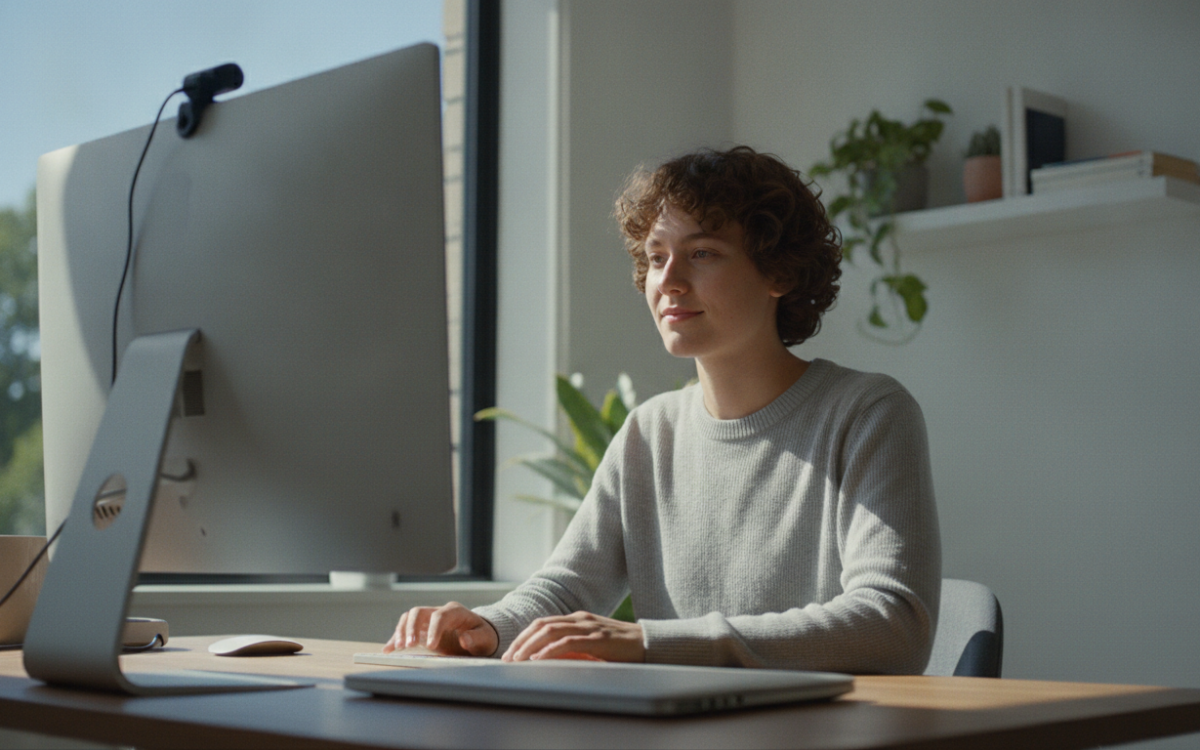
Quick answer: To pick a webcam for meetings, focus on clear video, good low light handling, and a decent built in mic. Check that it fits your monitor, works with your call apps, and matches your budget. Skip fancy extras you will not use.
Key Takeaways
- A webcam for meetings needs sharp video, good low light performance, and a usable mic.
- 1080p is enough for most calls, so you rarely need 4K.
- Lighting matters more than megapixels for how you look on camera.
- Always check that a webcam works with your computer and call apps before buying.
Why does it matter how you pick a webcam for meetings?
How you look and sound on calls shapes how people see you. A blurry, dark picture makes meetings harder. A clear one builds trust. That is why it pays to pick a webcam for meetings with care, not just grab the cheapest one.
The good news? You do not need to spend a lot. You just need to know what actually matters. Most people overpay for features they never touch. Let us fix that.
What should you look for first?
Start with video quality, low light handling, and the mic. These three things matter most for meetings.
Here is a simple list to guide you when you pick a webcam for meetings:
- Resolution: 1080p is plenty for calls. 720p can work in a pinch. 4K is nice but often overkill.
- Low light: Many rooms are dim. A webcam that handles shadows well beats one with higher numbers.
- Frame rate: Look for smooth motion. 30 frames per second is a solid baseline.
- Field of view: A wider angle fits more people. A narrower one keeps focus on you.
- Microphone: A built in mic saves desk space. But a headset mic usually sounds cleaner.
Because needs differ, think about your space first. A home desk has different needs than a shared office.
How do you judge video quality without seeing it in person?
Watch real sample footage, not just the spec sheet. Numbers can lie, but your eyes do not.
Search for video reviews that show the webcam in action. Look for clips filmed in normal rooms, not studios. Pay attention to how faces look in soft light. Check if skin tones seem natural. Also notice if the image stays sharp when you move.
When you pick a webcam for meetings, color and focus matter more than raw pixel count. A smart sensor with 1080p often beats a cheap 4K one. So trust what you see over what the box claims.
Does lighting matter more than the webcam itself?
Often, yes. Good light can make a cheap webcam look great. Bad light can ruin an expensive one.
Before you buy, try facing a window during the day. Natural light does a lot of the work. If your room is dark, a small desk light helps more than a pricey camera. Place the light in front of you, not behind. Backlight turns you into a shadow.
So when you pick a webcam for meetings, plan your lighting too. The two work together. This saves you money because you may not need the top model after all.
How do you check that a webcam fits your setup?
Make sure it works with your computer, your call apps, and your monitor before you buy.
Check the connection type. Most use USB. Confirm your laptop has a free port. Also check if your meeting app supports the webcam. Most do, but it is worth a quick look. Read a few recent user reviews to spot setup issues.
Mounting matters too. Some clips do not grip thin monitors well. Others wobble. If you work from home for a business, a stable, reliable tool keeps you looking professional. The SBA offers helpful guidance on setting up a small business, and a dependable video setup is part of that picture.
How do you avoid overpaying?
Buy for your real needs, not the shiniest features. Extras you never use are wasted money.
Ask yourself a few honest questions. Do you really need 4K for a tiny meeting window? Probably not. Will you use face tracking or background blur? Your call app may already do that for free. Fancy software bundles sound nice but often go unused.
Also compare total value, not just price. A mid range webcam that lasts years beats a cheap one that breaks. Read reviews about build quality. Check if the brand updates its software. When you pick a webcam for meetings, think about the long run.
What about privacy and security?
Always treat your webcam as a privacy tool, not just a gadget. It sees your space.
Choose one with a physical cover or shutter. This blocks the lens when you are not on a call. If it has companion software, keep it updated. Only download apps from the maker’s real site. Simple habits keep you safe.
These small steps matter. A clear picture is great, but control over when you are seen matters too.
Making your final choice
Now you have a plan. Focus on clear video, good low light, and a usable mic. Match the webcam to your room and your apps. Skip extras you will not touch. Add decent light to boost any camera.
Take your time and compare a few options. You do not need the most expensive one. You need the one that fits you. Go ahead and pick the right webcam for your meetings with confidence. You now know exactly what to look for.
Frequently Asked Questions
Do I need a 4K webcam for meetings?
No, you rarely need 4K for meetings. Most video call apps shrink your image to a small window anyway. A good 1080p webcam looks sharp and clear for calls. Save your money unless you also record high quality video for other work.
Is a built in laptop webcam good enough?
Laptop webcams work for casual calls, but they often look dull and grainy. A separate webcam usually gives sharper video and better low light performance. If you take many meetings, upgrading is worth it. The jump in quality is easy for others to notice.
Does the microphone on a webcam matter?
Yes, but with limits. A built in mic is handy and saves space. Still, it picks up room noise and echo. For clearer sound, a headset or separate mic usually beats a webcam mic. If audio matters a lot, do not rely on the camera alone.
How can I look better on camera without spending more?
Fix your lighting first. Face a window or place a soft light in front of you. Avoid bright light behind your head. Also raise your camera to eye level. These free changes often improve your look more than buying a pricier webcam.
What connection type should a webcam use?
Most webcams connect by USB, which is simple and reliable. Check that your computer has a free USB port that matches. Some newer models use USB-C. Before buying, confirm the fit so you do not need an extra adapter. Plug and play saves setup headaches.
How do I keep my webcam private when not in use?
Pick a webcam with a physical shutter or cover that blocks the lens. Slide it shut when you are off calls. Keep any webcam software updated from the maker’s official site. These simple steps protect your privacy without any extra cost or trouble.
For more, see our Tech & Digital Essentials guides.
Software features, plans, and pricing change often. Always check the current details on the provider’s own site before you sign up.